Remote work does not fail because people lack discipline. It fails because the wrong tools create friction — missed messages, siloed information, meeting fatigue, and the creeping sense that you are working harder and achieving less. The workers who thrive in distributed environments are those who have built deliberate, integrated tool stacks that minimise overhead and protect focus.
The remote tools market has matured significantly since the chaotic early days of the pandemic, when companies scrambled to adopt any software that promised collaboration. Today, the integrations are tighter, the AI assistance is genuinely useful, and the differences between tools are meaningful. The right choices depend on your role, your team size, and the nature of your work.
What follows is a category-by-category guide to what is actually working in 2026 — with honest assessments of where each tool excels and where it falls short.
Communication: Async First, Sync When It Counts
The most important mindset shift for effective remote communication is moving from synchronous-default to asynchronous-first. Real-time communication is expensive — it interrupts deep work, penalises people in different time zones, and creates pressure to respond regardless of context or quality. The best remote teams treat real-time communication as a tool for specific purposes, not as the default mode.
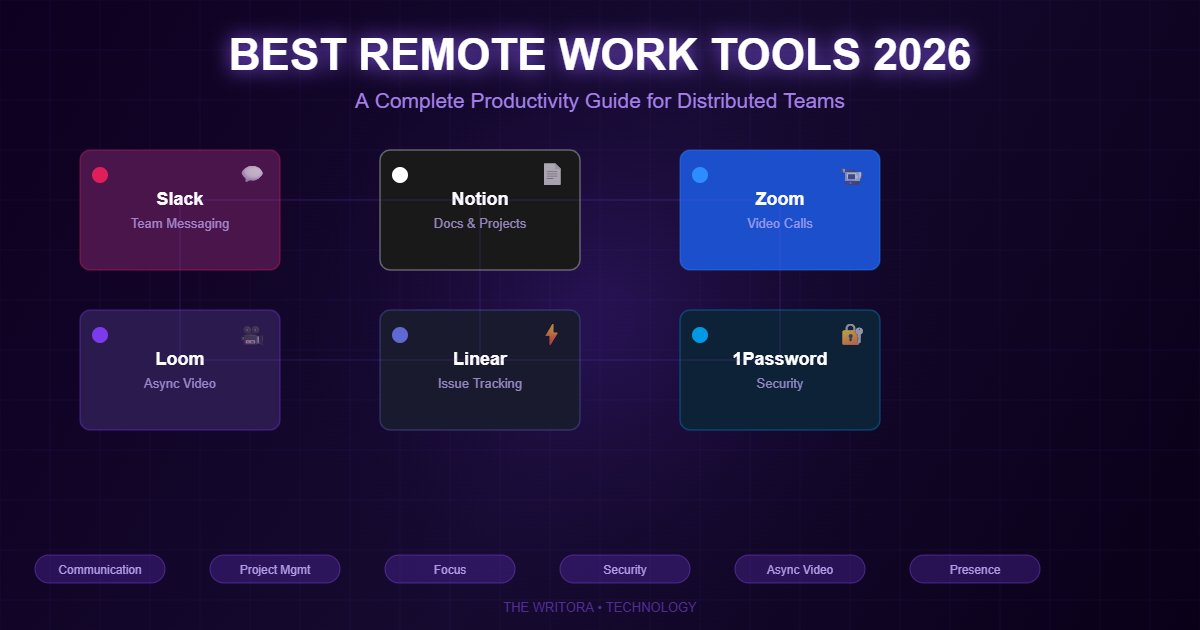
Slack remains the dominant team messaging platform for technology and knowledge-work organisations, with over 20 million daily active users and an integration ecosystem that connects to virtually every other tool in a typical remote stack. Its channel-based structure, threaded conversations, and powerful search make it the default choice for teams that value organised, searchable communication. The risk with Slack is that its always-on culture can replicate the worst patterns of open-plan office interruption if norms are not set deliberately. The best Slack teams have explicit status conventions, channel naming standards, and notification policies that protect focus time.
Microsoft Teams has over 300 million monthly active users — significantly more than Slack — and is the natural choice for organisations already invested in the Microsoft 365 ecosystem. Its deep integration with Outlook, SharePoint, and Office applications makes it the more practical choice for large enterprises and organisations in regulated industries where data sovereignty matters.
Zoom and Google Meet dominate video conferencing, with Zoom retaining an edge for larger meetings, webinars, and organisations that need advanced recording and transcription features. Google Meet's tight integration with Google Workspace makes it the natural default for organisations already on that platform.
Loom has become one of the most valuable tools in the remote worker's arsenal — and one of the most underrated. Loom allows you to record short video messages combining screen, voice, and face, which the tool then transcribes and structures with AI-generated chapters and summaries. A four-minute Loom explaining a design decision, a code review comment, or a project update replaces a meeting that would have required scheduling, preparation, attendance, and follow-up notes. For distributed teams, particularly those spanning multiple time zones, Loom is the single tool most likely to reduce meeting load while improving the quality of communication.
Project Management: Shared Visibility is Everything
Without shared visibility into who is doing what and by when, remote teams drift. A robust project management tool is not optional for distributed work — it is the structural backbone that allows asynchronous coordination to function.
Notion has emerged as the Swiss Army knife of remote productivity — combining project management, wikis, databases, and documents in a single, highly customisable platform. Its block-based editor and relational databases allow teams to build everything from sprint boards to company handbooks to CRM systems. The flexibility that makes Notion powerful also makes it demanding to set up well; teams that invest in building a coherent Notion structure early tend to find it invaluable, while those that adopt it without deliberate design often end up with a chaotic sprawl of disconnected pages.
Linear has become the preferred project management tool for software development teams, and for good reason. Its clean interface, keyboard-driven workflow, cycle-based planning, and GitHub integration produce a focused, fast experience that Jira — the incumbent — cannot match for modern engineering teams. If your team builds software, Linear is worth the switch.
Asana and Monday.com remain strong choices for larger, less technical organisations. Both have invested heavily in AI-assisted task creation, deadline management, and reporting, reducing the administrative overhead of keeping complex cross-functional projects organised. Asana's timeline view and goal-tracking features make it particularly useful for organisations managing multiple large initiatives simultaneously.
Trello remains the best choice for freelancers, small teams, and anyone who wants project management that is simple, visual, and immediately usable without configuration. Its Kanban boards are intuitive enough to explain in two minutes and powerful enough to manage complex workflows with the right setup.
The principle across all of these: pick one and use it consistently. Tool fragmentation — where different team members track work in different places — is one of the most common and most damaging failures in remote team organisation.
Focus and Deep Work: Designing Your Productive Hours
Remote work removes the commute but introduces a different threat: the always-connected environment in which work and non-work bleed together, and every notification competes with the task in front of you. The most productive remote workers are those who actively design their focus time rather than reacting to their environment.
RescueTime runs silently in the background and tracks exactly how you spend your digital time — categorising applications and websites by productivity level and generating weekly reports. The data is often confronting. Most knowledge workers, on first seeing their RescueTime reports, discover they spend 30–40% of their workday on low-value activities: unnecessary context-switching, social media, email triage, and the passive consumption that fills the gaps between focused work sessions.
Freedom is the natural companion to RescueTime: once you know where your time goes, Freedom allows you to block specific sites and applications across all your devices for scheduled or on-demand focus sessions. For workers who find that notification management through system settings is insufficient, Freedom provides a more robust structural solution.
The Pomodoro Technique — working in 25-minute focused blocks with short breaks — remains one of the most consistently evidence-backed productivity methods for knowledge work. Pomofocus provides a clean, free browser-based implementation. For those who prefer a gamified approach, Forest grows virtual trees during focus sessions and donates to real tree-planting when milestones are met — a small but effective behavioural nudge for those who find pure timer implementations insufficient.
For ambient sound during focus work, Noisli and myNoise provide customisable soundscapes — rain, coffee shop ambient noise, white noise — that many remote workers report as more conducive to sustained concentration than music with lyrics or complete silence.
Documentation: The Culture You Write Down
GitLab's Remote Work Playbook, which documents how one of the world's largest fully remote organisations manages distributed work, states a principle that experienced remote teams consistently arrive at independently: if it is not written down, it does not exist.
In an office, context travels through conversation — hallway discussions, overheard meetings, the informal passing of institutional knowledge. In a distributed environment, none of this happens by default. Teams that do not invest in documentation end up recreating context in every meeting, onboarding new hires slowly, and losing institutional knowledge whenever someone leaves.
The documentation layer of your tool stack matters as much as the communication layer. Notion (mentioned above) serves this function well for many teams. Confluence is the enterprise standard, particularly for organisations using Atlassian's ecosystem. GitHub wikis serve engineering teams well for technical documentation. The specific tool matters less than the discipline of using it consistently.
Security: Non-Negotiables for Distributed Teams
Distributed teams create distributed attack surfaces. Home networks, personal devices, and occasional public Wi-Fi all introduce vulnerabilities that centralised office environments manage more easily. Two categories of security tool are non-negotiable for any remote team.
Password management: 1Password and Bitwarden are the leading business password managers, enabling secure credential sharing across teams without exposing actual passwords. Both integrate with single sign-on (SSO) systems for enterprise deployments. 1Password is the more polished and enterprise-ready option; Bitwarden is open-source and offers a generous free tier that makes it accessible for individuals and small teams. Using either is substantially better than the alternative, which in most organisations means passwords stored in spreadsheets, email chains, or colleagues' memories.
Network security: Tailscale has become a favourite among technical teams for its zero-configuration mesh networking — it allows remote team members to securely access company resources as if they were on the same network, without the complexity of configuring a traditional VPN. For less technical organisations, NordLayer provides business VPN capabilities with a more accessible interface and management console.
Two-factor authentication across all critical accounts is not optional. Authenticator apps — Authy, Google Authenticator, or 1Password's built-in TOTP — are meaningfully more secure than SMS-based codes and should be the standard for any remote team.
Hardware: The Foundation Everything Else Depends On
The best software cannot compensate for bad hardware. A remote worker's physical setup is a direct multiplier on every other investment in tools and habits. The priorities, in order:
Internet connection. A wired Ethernet connection to your router eliminates the dropped calls and buffering that undermine video-heavy workdays. If wired connection is not possible, a Wi-Fi 6 router positioned close to your workspace is the next best option. A connection speed of at least 25 Mbps upload is the practical minimum for high-quality video conferencing.
Display. An external monitor dramatically increases productivity for any work involving multiple documents or applications simultaneously. A single 27-inch 1440p monitor is a better investment than any software productivity tool for most knowledge workers. Dual monitors, for those whose work involves frequent reference materials, compound the benefit.
Audio. A dedicated headset with a good microphone will serve you better in meetings than premium wireless earbuds with mediocre call performance. The Jabra Evolve series and similar professional headsets are the standard recommendation for heavy video call users. Your colleagues hear your microphone quality on every call — it is worth the investment.
Ergonomic chair. An ergonomic chair, positioned at the correct height with appropriate lumbar support, is an investment that pays off in focus, physical health, and mood every single day. The body-discomfort that accumulates from inadequate seating over a full workday has a measurable effect on cognitive performance and mood by the afternoon.
Webcam. Built-in laptop cameras produce video quality that communicates, correctly, that you did not invest in your remote setup. A dedicated external webcam — the Logitech Brio is the standard recommendation — produces significantly better image quality and positions you at a more natural eye level.
Building Your Stack: Start Minimal, Grow Intentionally
The temptation with remote work tools is to adopt too many too quickly. Tool proliferation — where different team members use different applications for the same purpose — is one of the most common and most damaging sources of remote team dysfunction. Information fragments across platforms, context switching increases, and the search for a single piece of information becomes a multi-application exercise.
The most effective approach: start with a minimum viable stack — typically a messenger, a project management tool, a document store, and a video call platform — and add tools only when there is a clear, specific problem that the existing stack cannot solve.
Before adding any new tool, the question to ask is: what is the measurable cost of not having this, and does that cost justify the switching cost, the learning curve, and the integration overhead? Most proposed additions fail this test, and the teams that resist tool proliferation consistently report better coordination and lower cognitive load than those that do not.
The right tools, chosen deliberately and used consistently, do not just make remote work possible. For many people and many types of work, they make it genuinely better than the office alternatives they have replaced.
What tools are essential to your remote setup in 2026? Share what is working — and what is not — in the comments below.